Installation
Requirements
- FacturaScripts 2025 or later (documented and tested with 2026.65).
- MySQL / MariaDB or PostgreSQL database.
- PHP with the extensions FacturaScripts requires (
gd,zip,intl,mbstring,curl,mysqliorpgsql). - Language Spanish (Dominican Republic) and country Dominican Republic when installing FacturaScripts.
Country and language
If FacturaScripts is installed with another country, taxes, chart of accounts and currency are not set up the way the plugin expects and correct behavior cannot be guaranteed.
Installing the plugin
- Download the plugin from facturascripts.com or from the repository.
- In FacturaScripts open Admin → Plugins and use Add to upload the ZIP.
- Enable the plugin with the switch on its row.
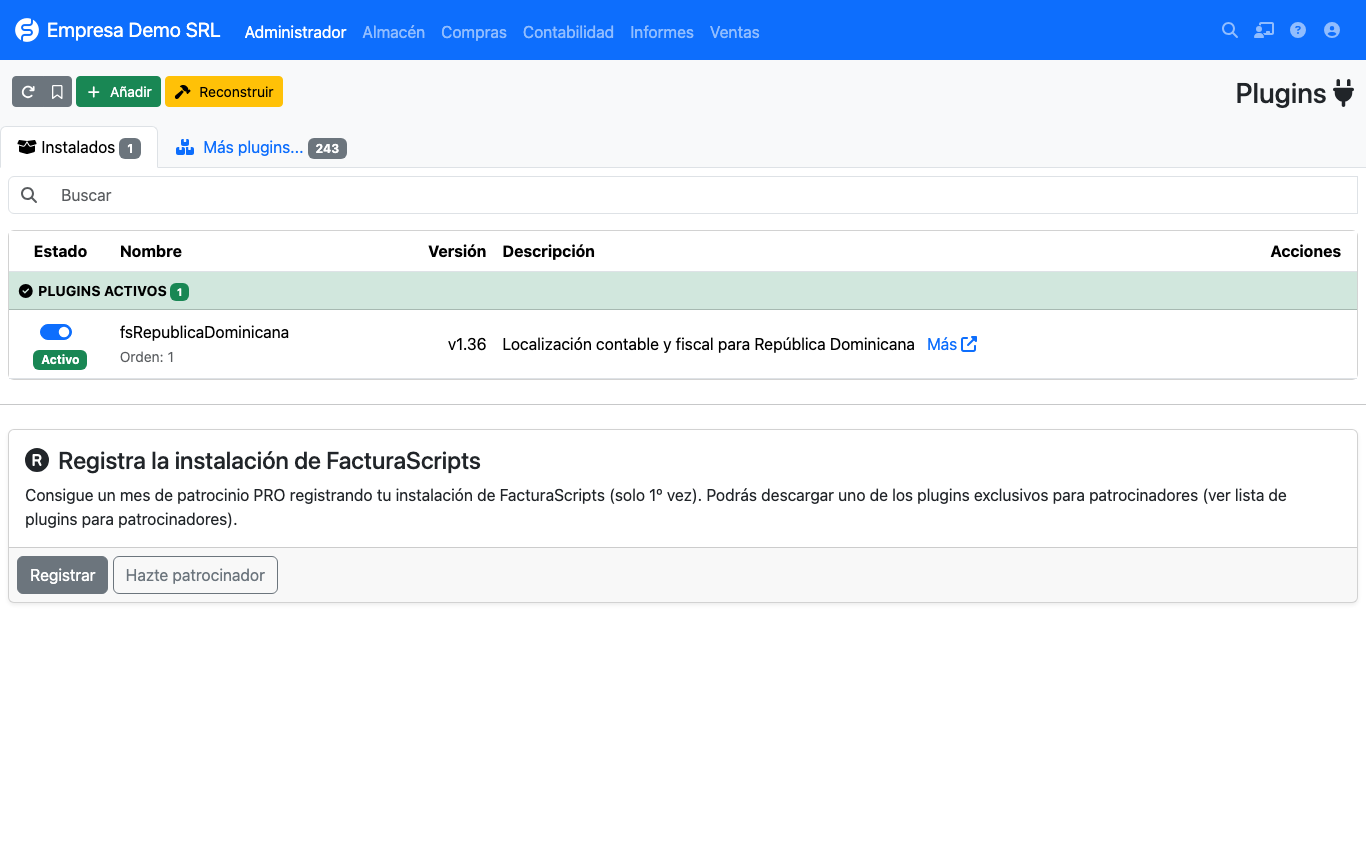
When enabled, the plugin creates its tables (rd_ncfrango, rd_ncftipo, rd_ncftipoanulacion,
rd_ncftipomovimiento, rd_ncftipopagos, rd_ncfmodificacion, rd_impuestosadicionales), adds columns to
invoices, customers, suppliers and products, and loads the initial DGII catalogs.
Upgrading
Upload the new ZIP from Admin → Plugins and press Rebuild. New columns and catalogs are created automatically.
Earlier credit and debit notes
Since 1.37 notes are validated when saved. An earlier note that breaks the rules cannot be saved again until it is fixed. See note controls.
Next step
Continue with the initial setup.