Initial setup
Menus added by the plugin
| Option | Purpose |
|---|---|
| NCF master | DGII-authorized receipt ranges. |
| NCF types | Receipt type catalog (01–17 and 31–47). |
| Cancellation types | DGII cancellation reasons (01–08). |
| Movement types | Income (sales) and expense (purchases) classification. |
| Payment types | DGII payment methods for sales and purchases. |
| Taxes | Additional taxes: ISC, CDT, legal tip, first license plate. |
| Option | Purpose |
|---|---|
| Fiscal reports | 606, 607, 608 and consolidated reports, with TXT export. |
Recommended order
- Make sure the company has its RNC under Admin → Companies (used in the reports).
- Review the receipt type catalog and disable those you do not use.
- Load your NCF ranges.
- Assign each customer a usual receipt type and payment type.
- Mark each product as service or not, and set alcohol degrees and content if it carries ISC.
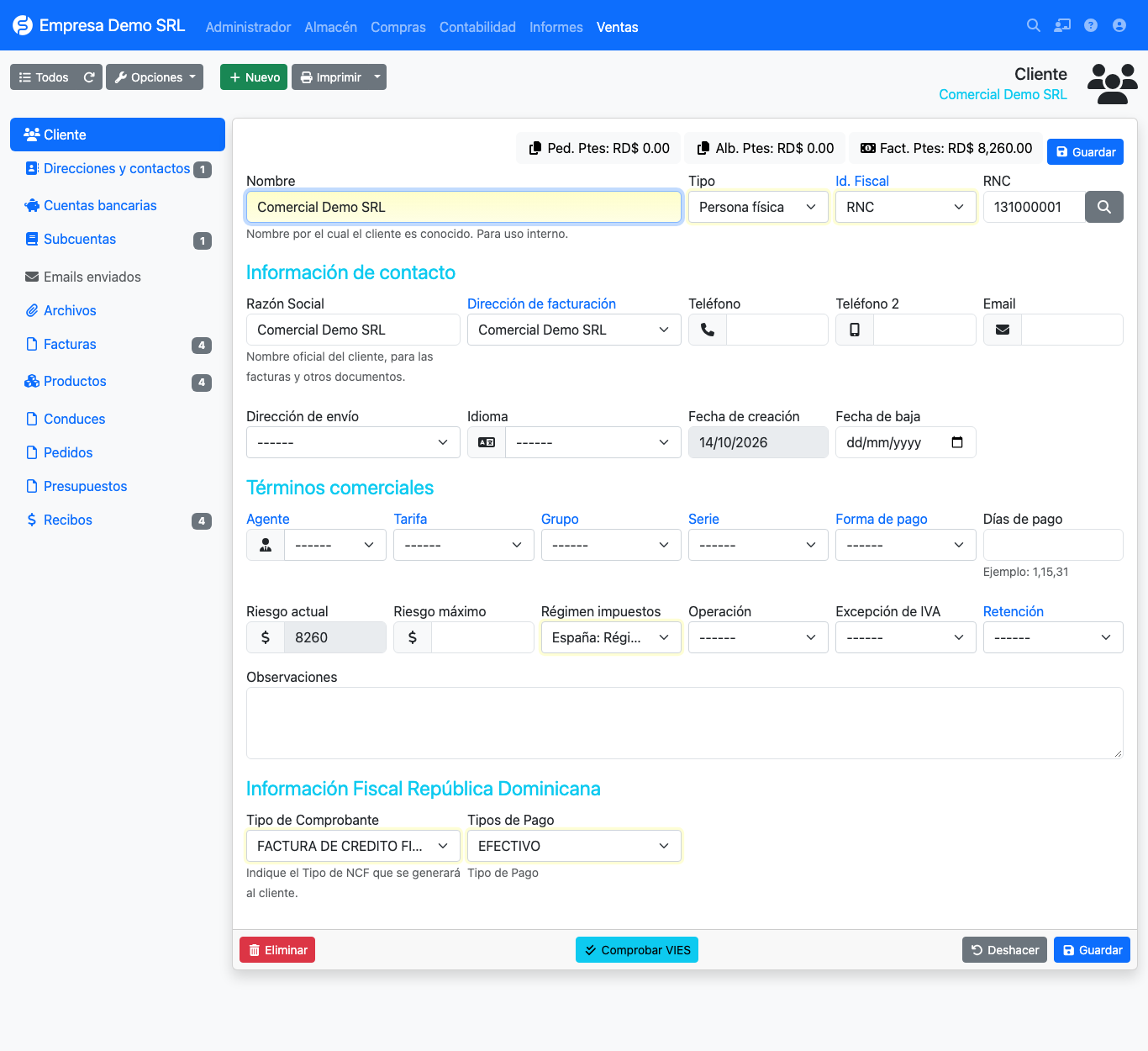
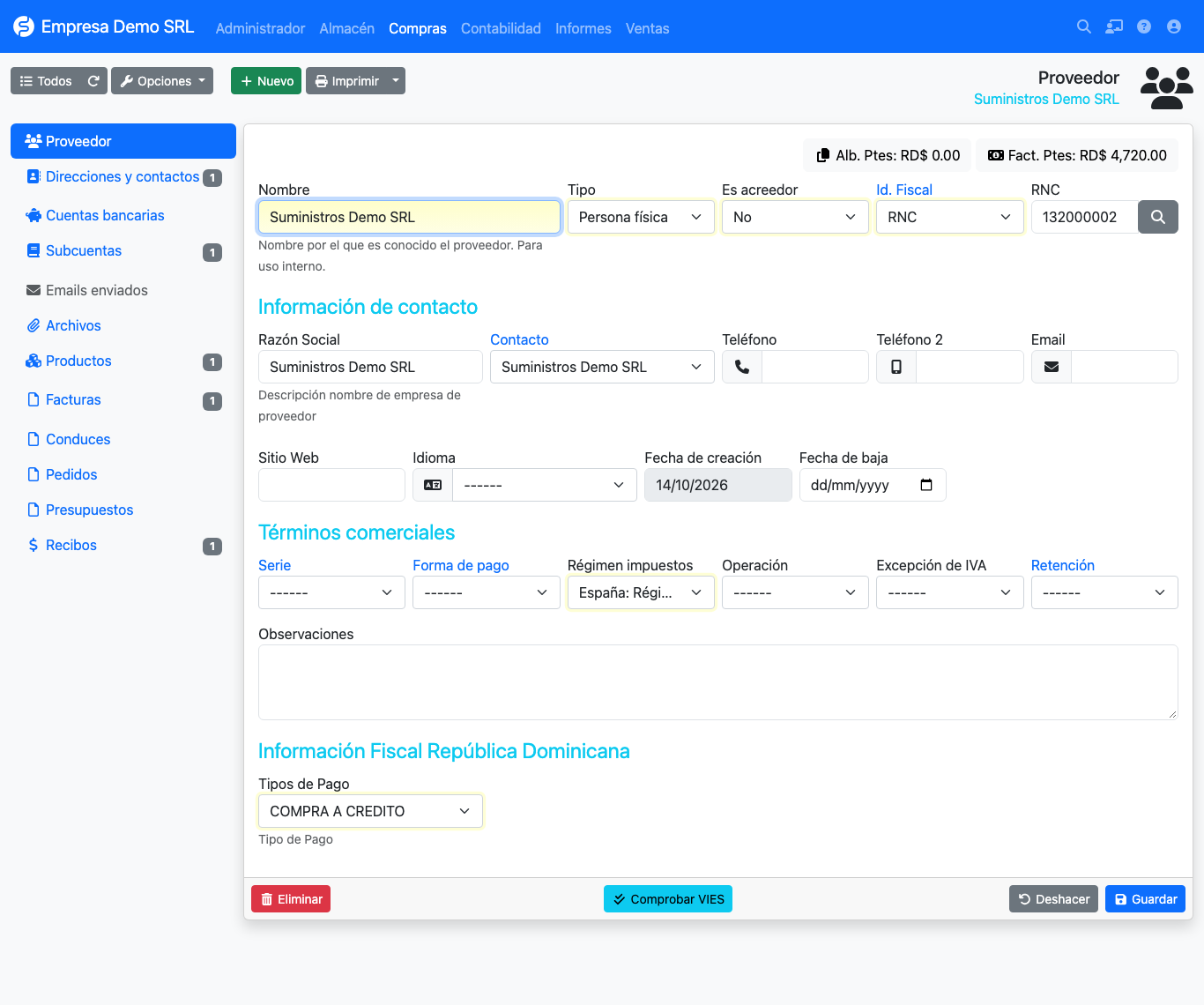
Fields added to customers and suppliers
- Receipt type: the one proposed when invoicing (for example 01 fiscal credit or 02 consumer).
- Payment type: the payment method reported in the 607.
- Payment type: the agreed payment method, per DGII coding.
DGII catalogs
Catalogs (NCF, cancellation, movement and payment types) come preloaded. Each list has a Restore original data button to go back to factory values.
Restoring discards changes
Restoring deletes the catalog records and recreates them. Use it only to return to the initial state.